Where the sound enters
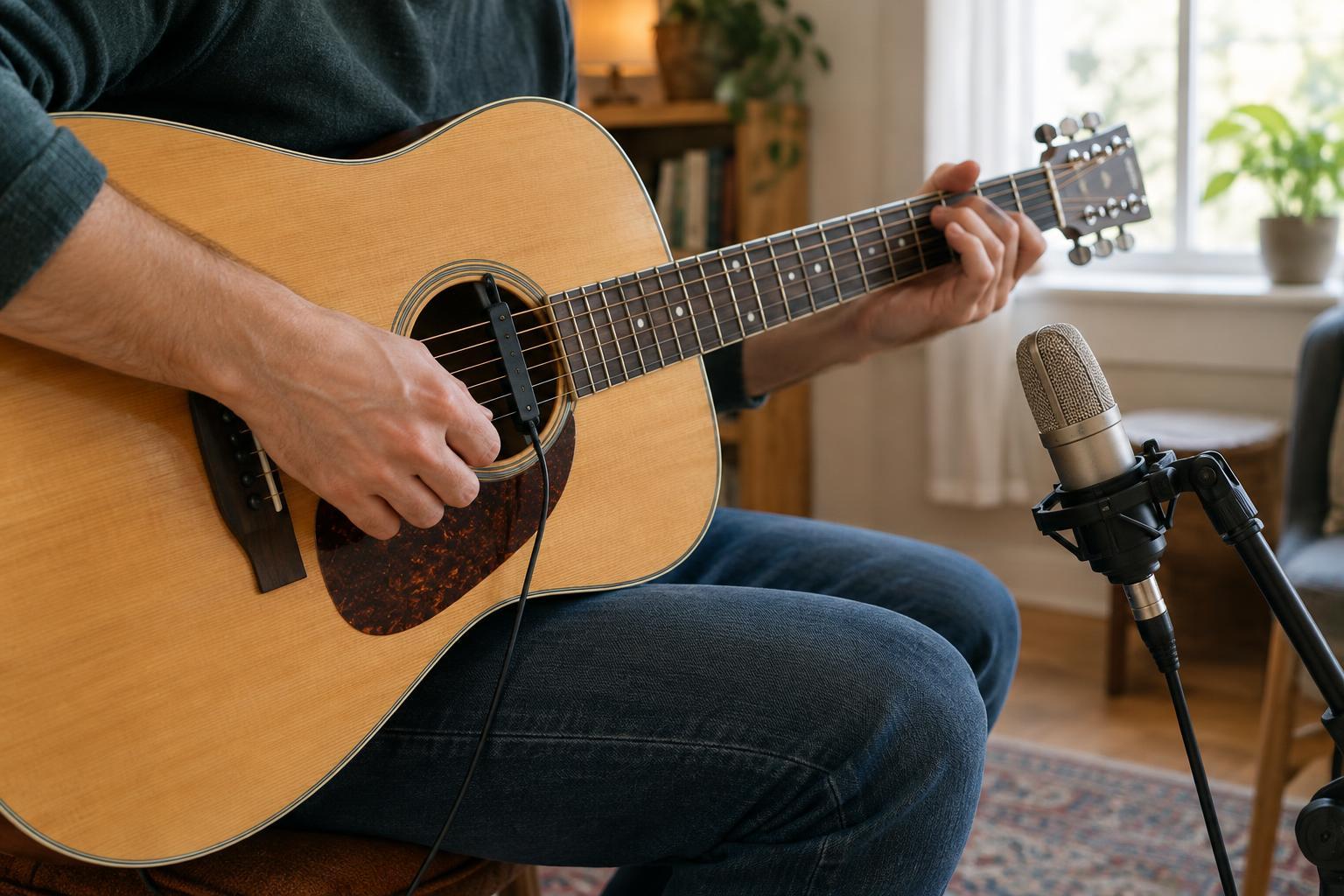
Play a note on an acoustic guitar and several things happen at once. The strings vibrate, the body responds, and sound travels through the surrounding air. A pickup and a microphone can capture the same performance, but they enter that chain at different points. A pickup senses vibrations at or within the instrument and turns them into an electrical signal. A microphone responds to changes in air pressure after the sound has left the instrument.
That distinction matters because an instrument does not sound identical at every point in the chain. The vibration near a string or bridge differs from the sound reaching your ears across a room. Neither capture method is automatically more truthful: each offers a particular perspective that can suit a song, a venue or a player.
What pickups hear
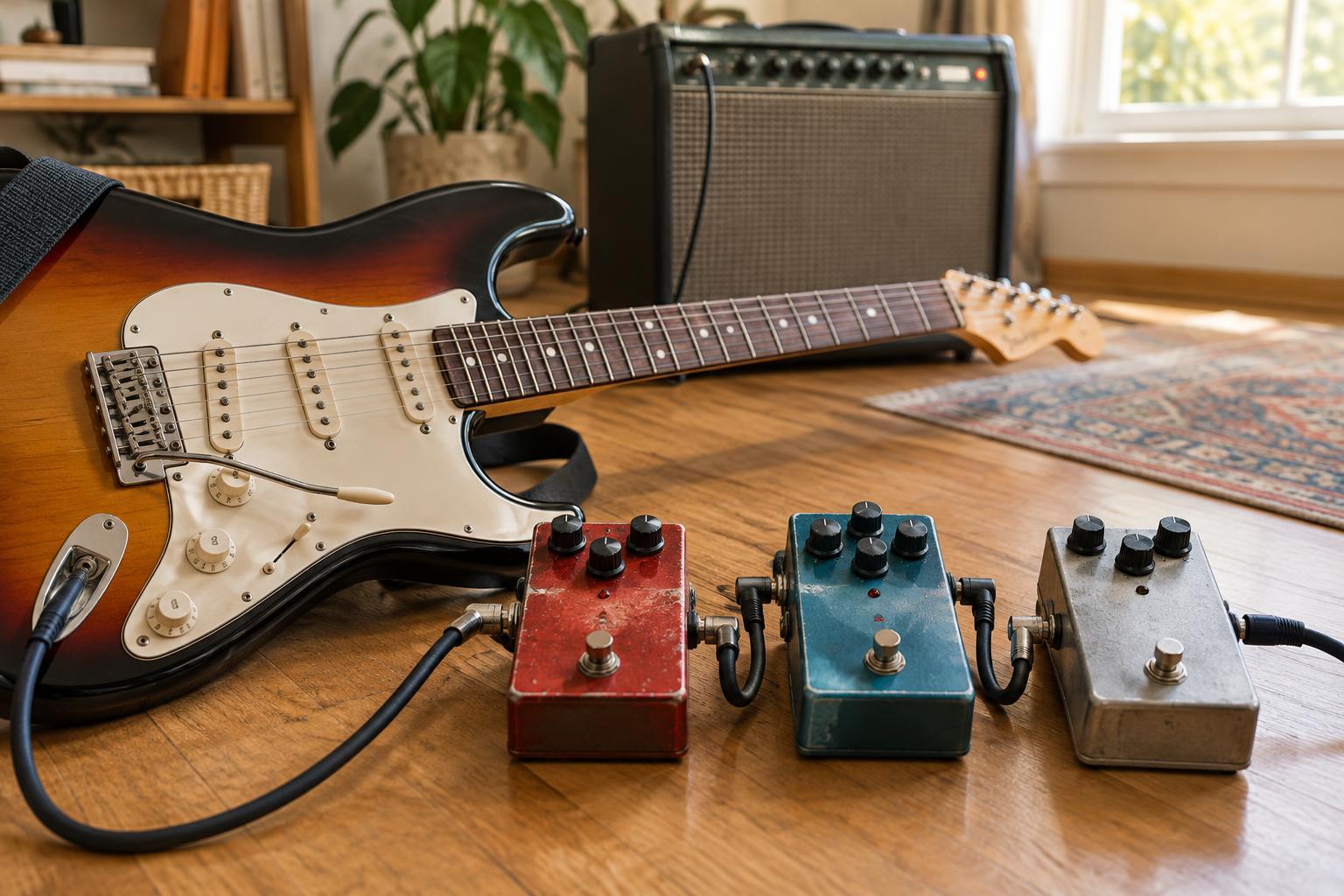
The familiar magnetic pickup on an electric guitar senses the motion of suitable metal strings within a magnetic field. Its position along the strings helps shape the result: a pickup nearer the bridge often emphasizes a tighter, brighter character, while one nearer the neck may sound rounder. The instrument’s controls, amplifier and effects can then change that signal substantially.
Not every pickup is magnetic. A piezo pickup, often fitted beneath an acoustic instrument’s bridge or saddle, responds to mechanical pressure or vibration. Contact pickups attach to a vibrating surface, such as a soundboard. These designs can capture useful detail without placing a microphone in front of the instrument, though they may emphasize vibrations differently from the sound a listener hears in the room.
Because pickups mainly focus on the instrument rather than the surrounding air, they can be convenient on a loud stage or when a player needs to move. That focus can also leave out some body resonance and room ambience. The outcome depends on the instrument, pickup design, installation and signal chain.
What microphones hear
A microphone captures the airborne sound produced by an instrument, along with some of the space around it. Move it a short distance and the balance can change. Close to an acoustic guitar’s sound hole, it may pick up a strong low-frequency presence; aimed toward the area around the neck joint, it may give more attention to string detail. These are starting points for listening, not fixed rules.
Distance changes the picture too. A nearby microphone tends to emphasize the instrument and reduce the room’s contribution. Farther away, reflections and the combined sound of the whole instrument become more apparent. That can give a recording a sense of place, but it can also reveal traffic, ventilation or other sounds you did not intend to include.
Onstage, a microphone may capture neighboring instruments through its open path to the air. Its placement can also affect the likelihood of feedback when loudspeakers are nearby. Careful positioning and sensible monitor levels help, but the freedom to move around may still be more limited than with a pickup.
Choosing for the situation
Start with the sound and setting you want rather than a rule about which device is better. If you are recording a quiet acoustic passage in a controlled room, a microphone gives you room to explore how the instrument sounds from different positions. If you are playing that passage on a busy stage, a pickup may make it easier to maintain a consistent signal as you move.
A pickup can be a creative choice in the studio as well. Its direct, close-up character may give a part a distinct edge that fits a dense arrangement. Conversely, a microphone can make a solo instrument feel connected to its surroundings. Listen in the context of the full piece: a sound that seems thin on its own may leave welcome space for a voice or another instrument.
Using both without losing the point
Some players record a pickup and a microphone at the same time. The pickup can provide a steady, defined signal, while the microphone adds air and a sense of the instrument in space. To try this, record each to a separate track, then listen to them individually before blending. Begin with one as the main sound and bring in the other only until it contributes something you miss.
When two signals capture the same performance from different places, their waveforms may not line up neatly. If the combination sounds unexpectedly hollow or loses low end, try moving the microphone, adjusting the balance or checking any polarity control available in your recording setup. You can also choose just one track. The aim is not to use every signal you captured; it is to preserve the character that makes the performance worth hearing.