Start with the sound you already have
Before adding an effect, play a few chords and single notes with a clean guitar sound. Notice how long each note lasts, how clearly you hear your pick or fingers, and whether the low and high strings feel balanced. That gives you a reference: when you switch on an effect, you can listen for what changed rather than judging the new sound in isolation.
Effects may come from pedals, an amplifier, or software. The controls and names vary, but the basic ideas travel between them. Begin with one effect at a time and make small adjustments while playing the same short phrase. A setting that flatters a sustained chord may blur a quick riff, so test each sound with the kind of music you want to make.
Distortion: changing a note’s texture
Distortion makes a guitar sound rougher and more harmonically dense. It can turn a quiet riff into something forceful or help a held note feel more prominent. You may also see labels such as overdrive and fuzz. These describe different approaches to a driven sound: overdrive is often used for a gentler edge, while fuzz can be much more pronounced. The labels are useful starting points, not strict rules for how a pedal will sound.
Look for a gain or drive control to set how strongly the effect changes the signal, a tone control to shape its brightness, and a level or volume control for its output. Start with gain low, then raise it until the notes have the texture you want. Match the effected volume roughly to your clean volume before deciding whether you need more gain; louder can seem more exciting even when the texture is not quite right.
Listen to chords as well as single notes. Heavy distortion can make closely packed notes harder to distinguish, particularly in the lower register. If a part loses definition, try less gain, a different chord voicing, or playing fewer strings. The goal is not the highest setting but a texture that supports the part.
Delay: making room for an answer
Delay plays a copy of your sound after a short interval, like a musical echo. Its main controls usually include time, which sets the gap before a repeat; feedback, which affects how many repeats you hear; and mix or level, which determines how loud those repeats are beside your original note. With a short time and a quiet mix, delay can add a subtle sense of depth. Longer, clearer repeats can become part of a melody or rhythm.
To hear the controls at work, pick one note and let it ring. Set feedback low enough that you hear only one or two obvious repeats. Change the time until the gap feels comfortable, then adjust the mix so the original note remains easy to follow. Next, play a simple phrase and leave space after it. The delay will fill that space, almost as if your guitar is answering itself.
If your playing becomes crowded, lower the feedback or mix before changing everything else. Repeats that sound appealing on their own may compete with new notes in a busy passage. Silence is useful here: leaving a pause gives the echo a chance to be heard.
Reverb: suggesting a space
Reverb adds a trail of sound that suggests reflections in a space. Instead of distinct copies, as with delay, you generally hear the notes blending into a surrounding wash. Different reverb modes may suggest a small room, a large hall, or a less literal, atmospheric space. Try them as colors rather than treating their names as promises of an exact real-world sound.
A mix control sets how much of that space you hear. A decay or length control sets how long the trail continues. Begin with a short decay and a low mix, then play both clipped notes and sustained chords. If the guitar starts to feel distant or one chord runs into the next, shorten the decay or reduce the mix. For a spacious, slow part, you might deliberately allow those trails to overlap.
Delay and reverb can serve similar moods but do different jobs. Use delay when you want audible repeats that interact with the timing of a phrase. Use reverb when you want to change the apparent space around it. You can use both, but each will be easier to understand if you first learn what it contributes alone.
Combine effects with a simple listening exercise
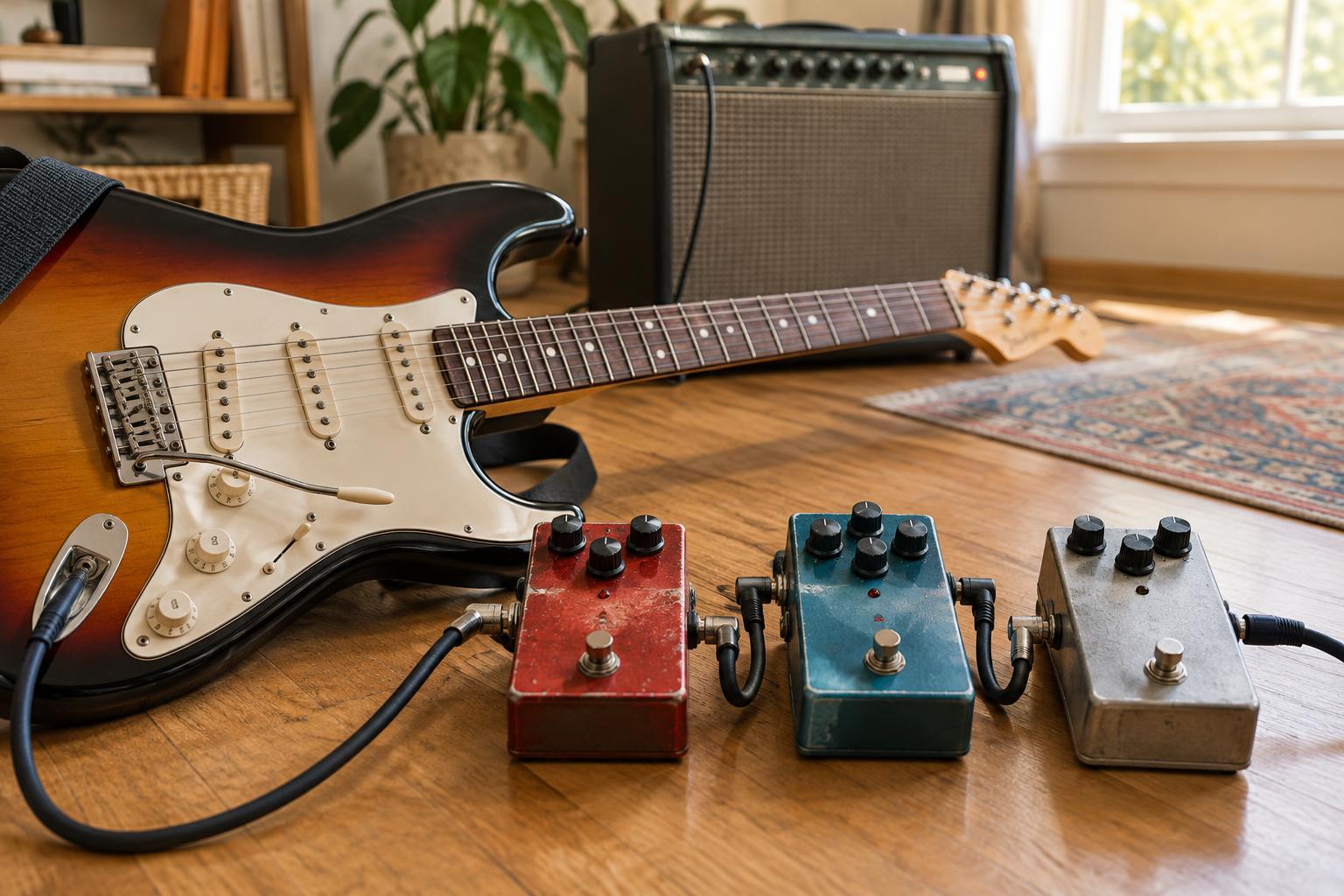
A practical starting order is guitar into distortion, then delay, then reverb. In that arrangement, the repeats carry your distorted tone, and reverb surrounds the result. If you place distortion after delay or reverb, it also changes the repeats or trails; that can be an interesting sound, though it may be harder to keep clear. There is no required order, and an amp or software setup may offer other options.
Choose a four-chord progression or a short riff you can play consistently. Record or listen to one clean pass. Add distortion and find a texture that leaves the part recognizable. Add delay at a low mix, listening for whether its repeats fit the spaces between notes. Finally, add a little reverb and compare the whole sound with your clean starting point. If the result feels muddy, turn an effect down or off before adjusting another.
Keep your listening volume comfortable as you experiment. A useful effect setting is one you can hear clearly in the musical context, not just when the guitar is playing alone. Once you can identify what each effect adds, you can choose settings for the story of the part: a dry, direct riff; a phrase that echoes into a pause; or a chord that seems to hang in a larger space.