A montage has more than one clock
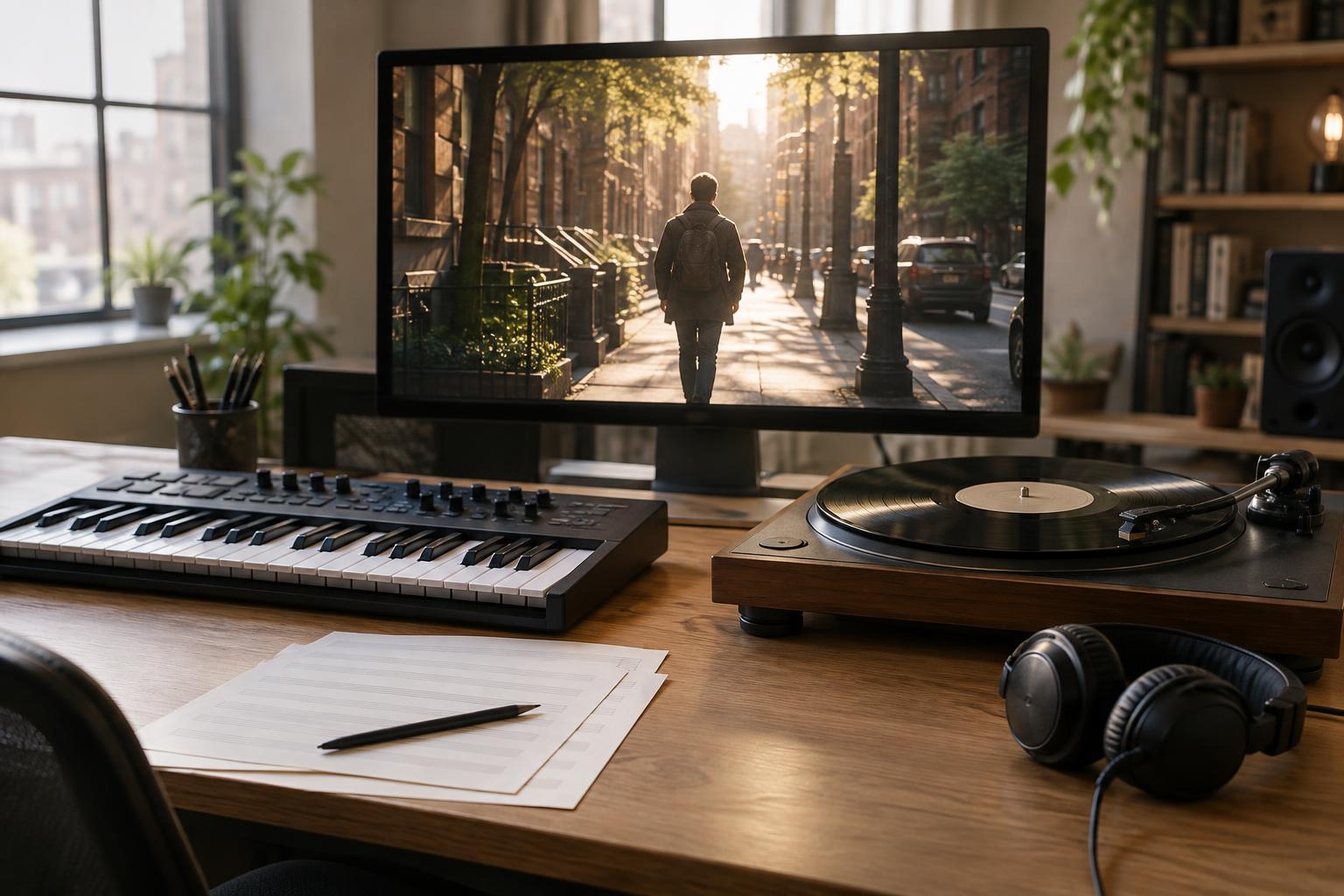
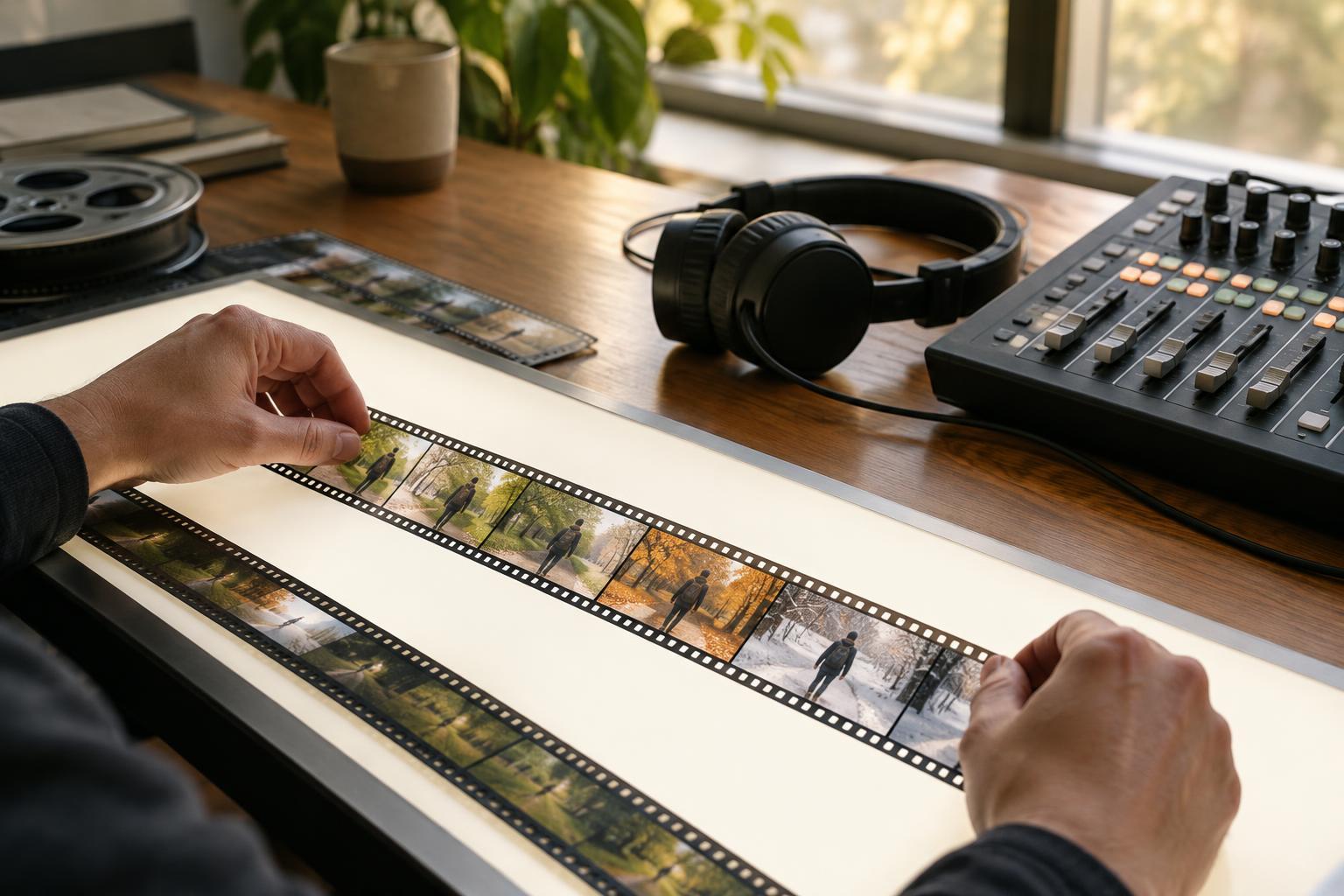
A montage compresses a stretch of action into selected moments. A character might practice the same skill over many days, travel across a city, or watch a relationship change through small encounters. The images tell us what happened, but the pacing tells us how to experience it: as a rush, a patient routine, or a gradual shift. Music can give those separate shots a shared sense of time.
That sense of time does not come from tempo alone. A brisk track beneath long, steady shots can create anticipation without making the edit feel frantic. Short cuts over slow music may make events seem fragmented or reflective. The useful question is not simply, “Is this song fast?” It is, “What rhythm will the viewer feel when this music and these images meet?”
Pulse gives cuts a point of reference
A clear musical pulse offers the editor places to land a cut. Matching several cuts to beats can make repeated actions feel deliberate: a hand reaches, a tool strikes, a result appears. Once the audience senses that pattern, a cut just before or after the next beat becomes noticeable. It can suggest hesitation, surprise, or a change in the character’s confidence.
Not every shot needs to follow the beat. If every cut lands in the same place, the montage may begin to feel predictable, regardless of what is happening on screen. An editor can instead use the pulse as a guide while allowing certain actions to finish in their own time. The contrast helps distinguish a meaningful glance or setback from the routine steps around it. It also leaves room for sounds within the scene, such as footsteps or a closing door, to supply their own accents.
Musical phrases shape the larger journey
Beats help organize individual cuts; phrases help organize groups of shots. A melody that rises and resolves can support a sequence moving from effort to a small achievement. A repeating phrase can underline routine, while a change in harmony or instrumentation can mark a new stage without a title card. When the music suggests a turning point, the image can answer it with a new location, a changed expression, or an action the viewer has been waiting to see.
The strongest match is not always the most literal one. Showing a triumph exactly when the music swells may suit an openly celebratory scene, but it can feel overstated in a quieter story. Letting the swell arrive over continued effort, then holding back for a modest payoff, may give the moment more character. Music can also work against the visible action: a gentle phrase beneath exhausting repetition might draw attention to a character’s private hope rather than the difficulty of the task.
Texture changes the weight of time
Two pieces at the same tempo can make a montage feel very different. Dense percussion and frequent musical changes can keep the viewer alert to each passing shot. A sparse arrangement, with space between notes, may allow images to linger even when the cuts are quick. Sustained tones can connect shots smoothly, while sharp attacks can make each transition feel distinct. These qualities affect the perceived pace without requiring a change to the edit’s length.
Texture can also help a montage grow. A sequence might begin with one repeated sound, add layers as the character finds a rhythm, and become crowded when the work turns overwhelming. Removing those layers can be just as expressive. If the music suddenly thins out while the activity continues, an ordinary action may feel more exposed. The change works best when it reflects something in the story, rather than serving only as a signal to pay attention.
Silence and testing reveal what the sequence needs
A break in the score can reset the viewer’s sense of pace. After a run of coordinated cuts, a brief pause might give one image room to register or make a small natural sound unexpectedly important. Silence need not mean the scene becomes soundless; room tone, movement, and other environmental sounds can keep it grounded. Bringing music back after that pause can make the next passage feel like a fresh decision rather than more of the same.
To test a montage, watch it first without music and note where the action itself speeds up, slows down, or changes direction. Then try a few musical approaches, including one that seems less obvious. Notice which shots become harder to understand, which moments feel pushed, and where you want to keep watching for another second. Adjust cuts and music together where possible. The goal is not to make every image obey the track, but to find a pace that makes the story’s passage of time feel intentional.